Selling a ticket and knowing who walked through the door are two different problems. Plenty of organizers solve the first one and then patch the second together with a printed guest list, a clicker counter, or a spreadsheet somebody updates at the gate.
Attendance tracking closes that gap. It means your ticketing platform doesn't stop working once the sale clears — the same system issues the ticket, validates it at entry, and tells you afterward who actually showed up.
Here's what to look for, which kinds of events need it most, and how TixFox handles it.
What attendance tracking actually involves
Most platforms will tell you they "track attendance." That can mean anything from a real check-in system to a checkbox next to a name. Four things are worth pinning down before you commit:
Ticket validation, not just a list. A real system issues each buyer a unique QR code and refuses that code the second time it's presented. A searchable attendee list is useful as a fallback, but on its own it doesn't stop a forwarded screenshot from getting two people in.
Hardware requirements. Some platforms sell or rent scanners. Others let staff use the phone already in their pocket. For a one-weekend event, buying hardware rarely makes sense.
Who's allowed to scan. If your only option is handing volunteers your account login, you're giving gate staff a view of your revenue. Look for a separate, limited role for door staff.
What happens when the signal drops. Farm venues, fairgrounds, and outdoor festivals routinely lose connectivity right when a queue forms. Ask specifically whether scanning continues offline.
How TixFox handles check-in
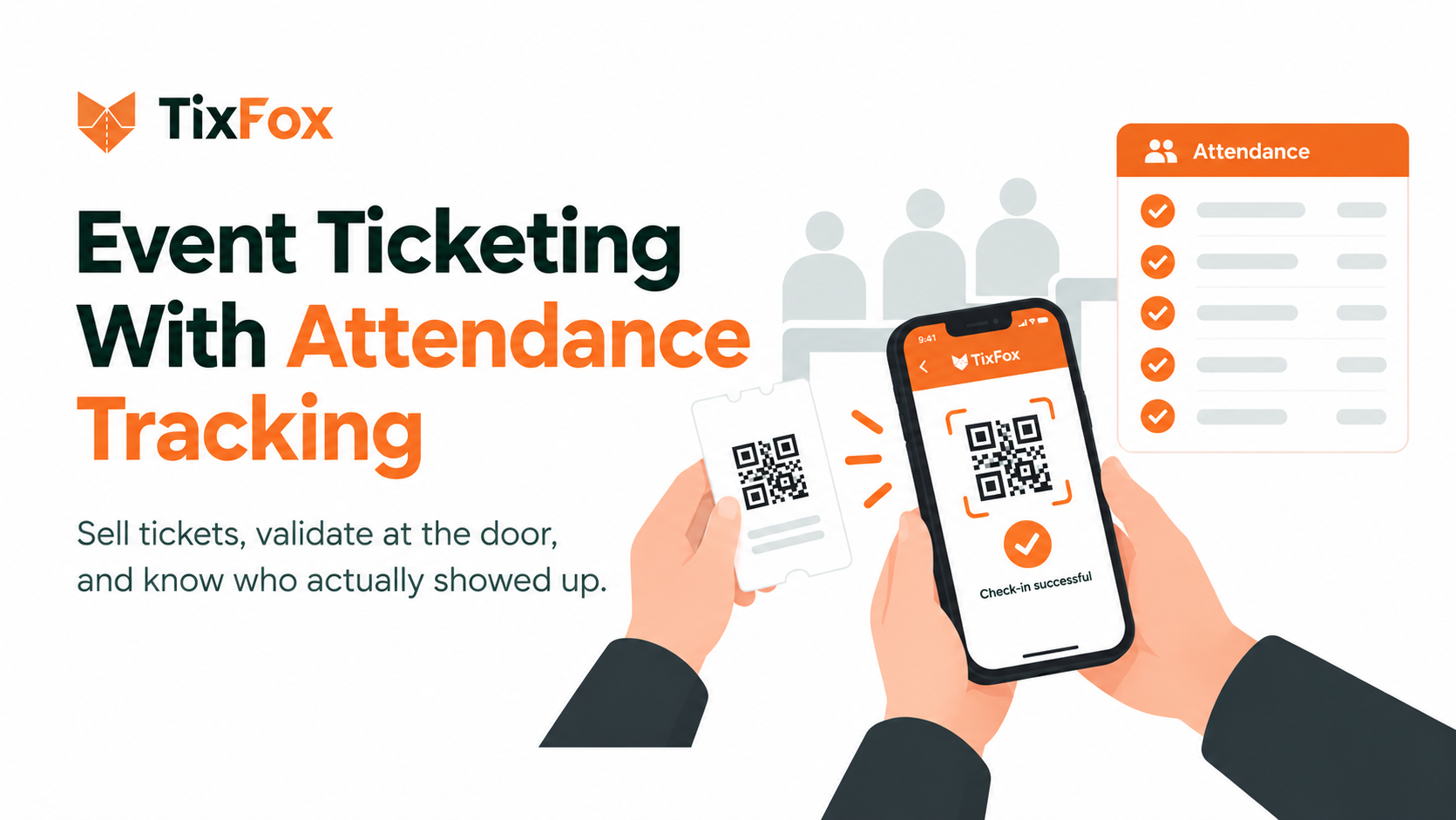
TixFox pairs online ticket sales with a free scanning app on iOS and Android. Every buyer — paid or free — gets an emailed ticket with a unique QR code, and that code validates in under a second at the door.
No hardware to buy. Any phone with a rear camera becomes a scanner. Download the app, sign in, pick your event, start scanning.
Duplicates get caught. QR codes are single-use. Once a ticket is scanned, the app blocks it — forwarding the confirmation email doesn't get a second person in.
Manual lookup when scanning fails. Dead phone battery, cracked screen, buyer who can't find the email: staff can search by name or ticket ID and check someone in by hand.
Check-in assistants. Add gate staff who can scan for your event but can't see sales, revenue, or account settings.
Flashlight toggle. A small thing that matters at night events — one tap and staff can keep the line moving in the dark.
Offline scanning. The app is built to keep validating tickets when connectivity drops.
On the sales side, the dashboard updates live, so you can watch ticket revenue and arrivals as they happen rather than reconciling after the fact.
Who needs it most
Festivals and fairs. High volume through a small number of gates, often with several staff scanning at once. The bottleneck is seconds per scan, and duplicate detection matters because tickets get resold and forwarded.
Farms, mazes, and outdoor attractions. Connectivity is the deciding factor. A scanner that stalls waiting for a server is worse than no scanner.
Recurring events and classes. Weekly runs and seasonal programs mean the same buyer across many dates. TixFox generates every occurrence from one rule and lets buyers pick a date from a calendar, so attendance stays tied to the right session instead of a single lump total.
Nonprofits and fundraisers. Post-event reporting matters more than gate speed here. You want to know who attended, not just who bought, because that's what shapes the next ask.
Events with tiered admission. VIP, general admission, parking, add-ons. Knowing your split between tiers on the night tells you what to price differently next time.
No-shows are the number people miss
Tickets sold and people present are rarely the same figure, and the gap between them is one of the more useful numbers an organizer can have. A 20% no-show rate on a sold-out event changes how you think about capacity, catering orders, and whether to oversell next time.
You only get that number if check-in data lives in the same system as sales data. If your scanning happens in a separate app, reconciling the two becomes a manual export-and-match job that most organizers skip.
TixFox also sends automated email reminders before the event, which is the cheapest available lever on no-show rates.
What it costs
Attendance tracking is often where ticketing platforms start charging more — a premium tier, an onsite package, or a custom quote.
With TixFox, scanning is included on every plan, including the free one:
TixFox | |
|---|---|
Platform fee, paid tickets | $0.39 per ticket ($0.30 under $5) |
Free events | $0 |
Scanning app | Free, iOS and Android |
Monthly fee | None |
Setup or contract | None |
Payments | Stripe's standard 2.9% + $0.30, paid directly to Stripe |
Because TixFox uses Stripe Connect, ticket revenue lands in your own Stripe account as sales happen — TixFox never holds the funds.
How to choose
Run any platform you're evaluating through these questions:
Does scanning cost extra, or is it included?
Can staff scan on their own phones, or is hardware required?
Can gate staff be given access without seeing your financials?
What happens to check-in when the internet drops?
Can you tell, after the event, exactly which tickets never scanned?
Is the pricing published, or do you have to book a call to find out?
That last one is worth weighting heavily. If a platform won't show you a number before a sales conversation, the number is usually negotiable in one direction.
FAQs
Do attendees need to install an app? No. Buyers get a QR code by email and show it at the door. Only the person scanning needs the TixFox app.
Can two people use the same ticket? No. Each QR code is single-use and gets rejected on the second scan.
Can I let volunteers scan without giving them my login? Yes — invite them as check-in assistants. They can scan for your event and nothing else.
Does the scanner cost extra? No. It's free on all plans, including free events.
What if someone loses their ticket email? Search for them by name or ticket ID in the app and check them in manually.
Ready to keep sales, check-in, and attendance data in one place? Get started with TixFox — free to sign up, 39¢ a ticket, no monthly fee.
Keep more of every ticket sale.
- 39¢ per ticket, $0 on free events
- No monthly fee, no contract
- Get paid as each sale comes in