Free Event Ticketing Software.
Host free events at absolutely no cost. For paid events, keep more of every ticket — just $0.39 per sale. No monthly fee, no contracts, no surprises.
- No credit card to sign up
- Free events always $0
- No monthly plan required
What “free” actually means here
Most platforms call themselves free, then bury fees in the checkout. Here’s exactly what you pay with TixFox.
Free events
$0/ ticket
No platform fee, no processing fee from us. Nothing. Your attendees register at zero cost and so do you.
Paid events
$0.39/ ticket
Our fee, flat. Stripe’s processing fee is separate and goes directly to Stripe — we don’t touch it. Learn about Stripe fees →
Monthly plans
Noneever
No subscription tiers, no annual commitments. You pay only when you sell a ticket. Quiet month? Pay nothing.
Free event ticketing with the features that matter
From the first ticket sold to the last guest checked in.
Your money lands in your account, not ours
Payments go straight from your attendees to your Stripe account. TixFox never holds your funds — payouts follow your Stripe schedule.
- Instant payouts to your bank via Stripe
- Accepts all major cards and digital wallets
- PCI-compliant, Stripe-secured transactions
A checkout your attendees won't abandon
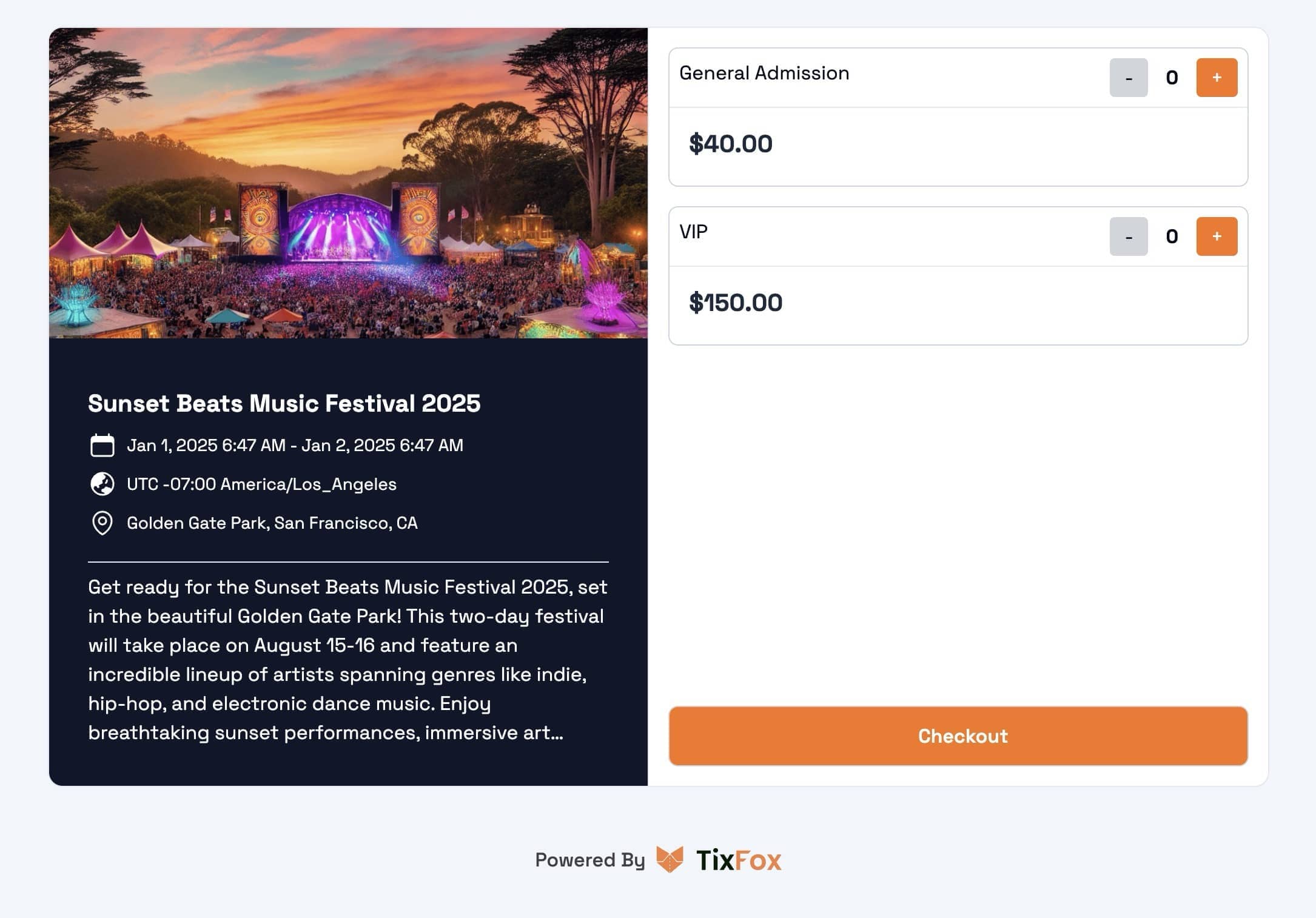
Fast, clean, mobile-first. Attendees go from your event page to confirmed ticket in under a minute.
- Works flawlessly on any phone
- No account required for buyers
- Express payment with Apple Pay & Google Pay
Know exactly how your event is tracking
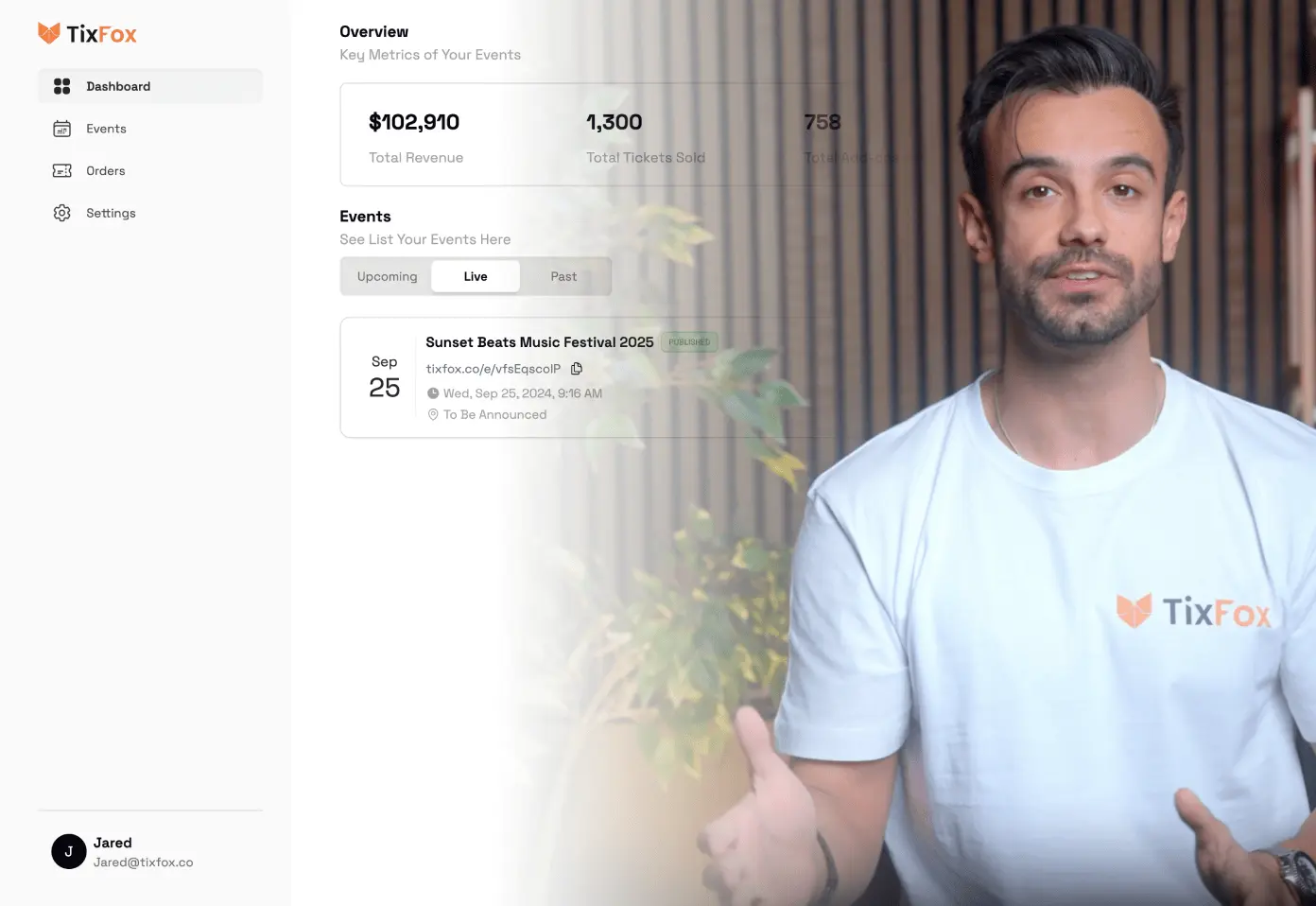
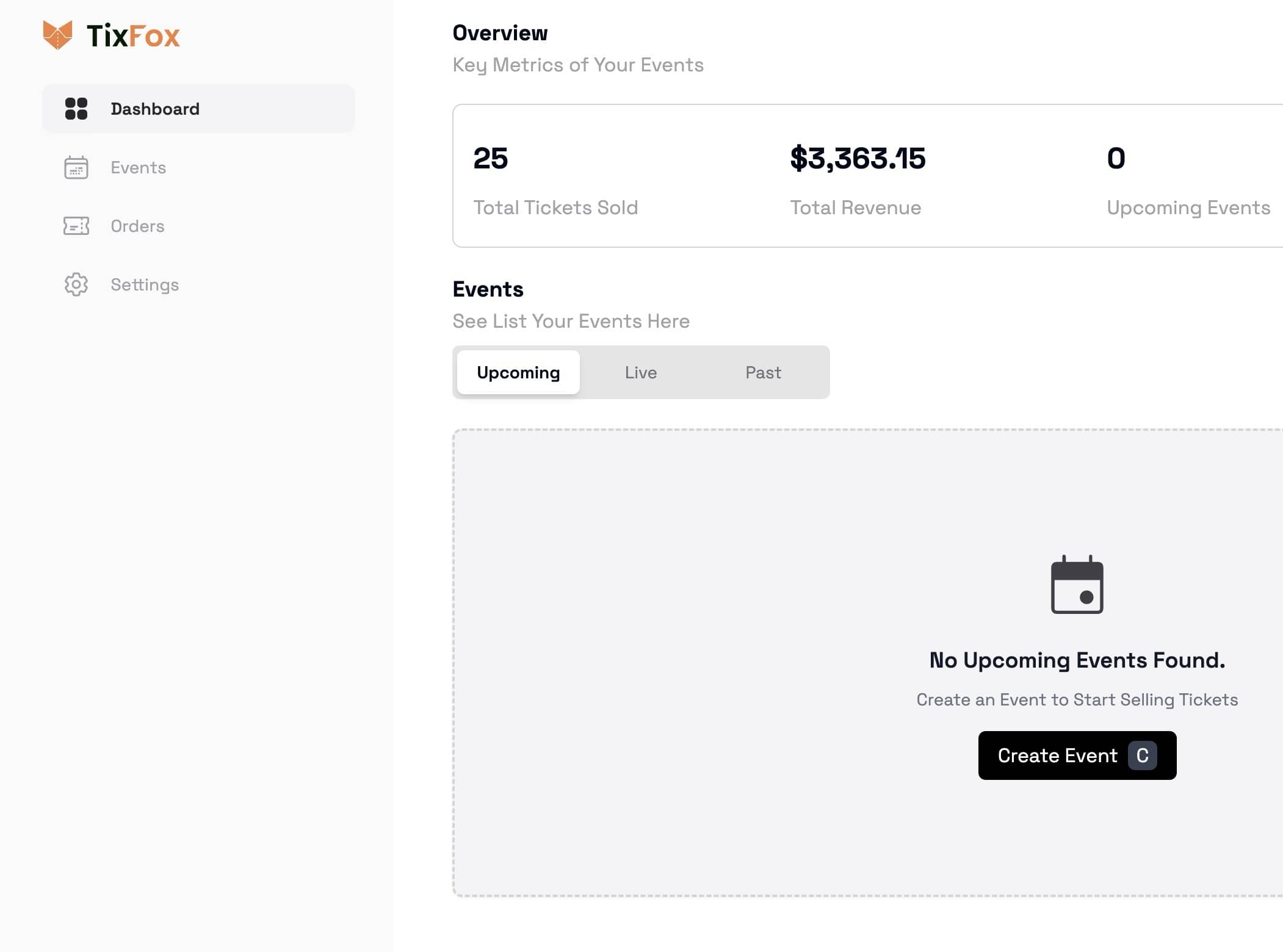
Live sales data, revenue breakdown, and attendee stats — all in one dashboard. No spreadsheets required.
- Live ticket sales and revenue tracking
- Attendee list with check-in status
- Exportable reports for any event
Check in 500 guests without breaking a sweat
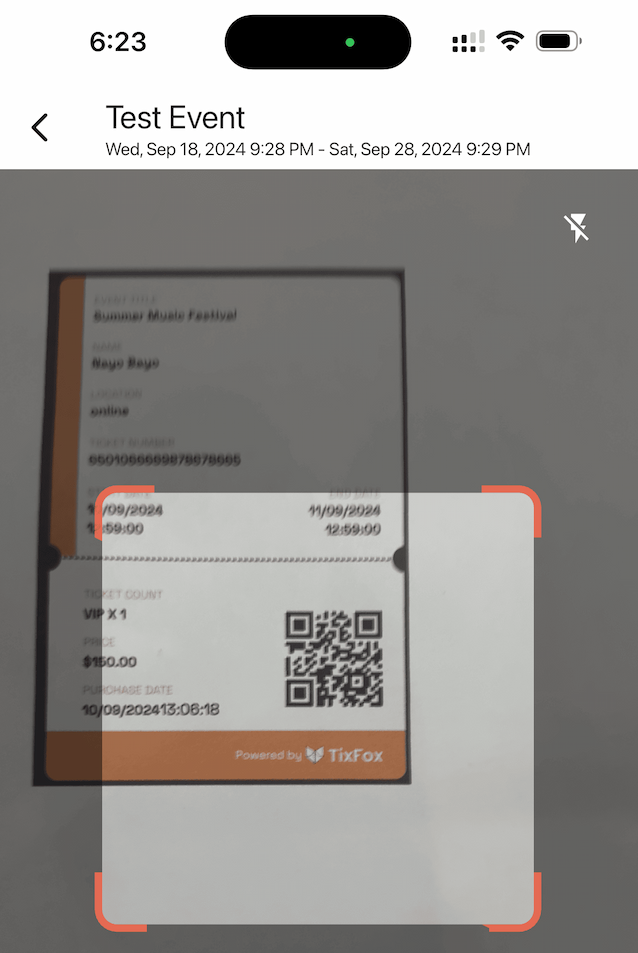
The TixFox app turns any iPhone or Android phone into a check-in scanner. Scan QR codes instantly, search attendees by name, and track arrivals in real time.
Instant QR scanning
Validate tickets in under a second
Manual lookup
Find any attendee by name or ticket ID
Up and running in minutes
No onboarding calls, no documentation to wade through. Create an event, connect Stripe, and you’re live.
Create your event
Sign up and fill in your event details. Takes about 3 minutes.
Customize & publish
Set ticket types, pricing, and quantities. Share your unique event link.
Sell & track
Watch ticket sales come in. Monitor revenue in real time.
Check in on the day
Scan QR codes with the TixFox app on iOS or Android.
TixFox vs other ticketing platforms
Transparent numbers, side by side. No asterisks.
| Feature | TixFox | Eventbrite | TicketSpice |
|---|---|---|---|
| Monthly fee | None | From $9.99/mo | None |
| Per-ticket fee | $0.39 | Up to $1.79 + % | $0.99 flat |
| Free events | $0 — always | $0 | $0 |
| Setup costs | None | None | None |
| Mobile check-in app | Included | Included | Included |
| Stripe instant payouts | Yes | No (holds funds) | No |
| Custom event themes | Yes | Limited | Yes |
Competitor pricing based on publicly available information. Rates may change — verify on their respective sites.
Works for any type of event
Free tickets, paid tickets, invite-only, recurring — whatever your event looks like, TixFox handles it.
Frequently asked questions
Everything you need to know before your first event.
Or browse the full FAQ →
Prefer email? [email protected]
01What is TixFox?
TixFox is an event ticketing platform for organizers of every size. Sell tickets online and at the door, check guests in with the TixFox app, and get paid through Stripe. It handles one-off, recurring, timed and online events.
See all features →02How much does TixFox cost?
39¢ per paid ticket (30¢ on tickets under $5), plus Stripe's processing fee (2.9% + 30¢ for US cards). Free tickets cost $0, there's no monthly fee, and donations carry no TixFox fee. With credits, the fee comes down to 29¢ a ticket.
See pricing →03Who pays the fees, me or my buyers?
You choose, per ticket type. Pass the fees to buyers and you keep the full ticket price, or absorb them so buyers pay only the ticket price. On a $25 ticket with fees passed on, the buyer pays $26.46 and you keep $25.
How to set who pays the fees →04How do TixFox's fees compare with Eventbrite's?
On a $25 ticket with fees passed on, the buyer pays about $28.52 on Eventbrite and $26.46 on TixFox. Eventbrite charges 3.7% + $1.79 per ticket plus 2.9% processing. TixFox charges 39¢ plus Stripe's 2.9% + 30¢.
Compare any price with the Eventbrite fee calculator →05How do I get paid?
Ticket money goes straight to your own Stripe account, and Stripe pays it out to your bank. In the US, funds are usually ready after 2 business days, and your first payout typically takes 7 to 14 days.
When to expect your payout →06What do organizers say about TixFox?
Every review on Trustpilot and G2 is five stars. Organizers mention the low fees, the long list of features and support that answers fast. The Richmond Tattoo & Arts Convention, the longest-running tattoo convention in the world, sells three days of tickets on TixFox.
Read the reviews →07How do buyers get their tickets?
By email, right after checkout. Each ticket has its own QR code, and buyers can add it to Apple Wallet or Google Wallet. No app needed.
How e-tickets work →08Is there a TixFox app for check-in?
Yes, for iPhone and Android. Scan tickets or search guests by name, add check-in assistants to scan on their own phones, and sell at the door with Tap to Pay or cash.
See the check-in app →09Can I sell tickets on my own website?
Yes. Share your event link or QR code, or embed tickets on your site, including WordPress, Wix, Squarespace and Canva sites.
How to share or embed your event →10How do refunds work?
Open the order in Orders and refund all of it, selected tickets or a custom amount. Refunds come out of your Stripe balance, and the fees on the original sale aren't refunded.
How to refund an order →11I bought a ticket. Where is it?
In your email: look for the order confirmation, including in spam. Can't find it? Open the event page, click Resend Confirmation Email and enter the email you used at checkout. If you used a different email, contact the event organizer.
Get your ticket back →Planning to host your event?
Put your first event on sale in minutes — 39¢ a ticket, instant payouts, no monthly fees.