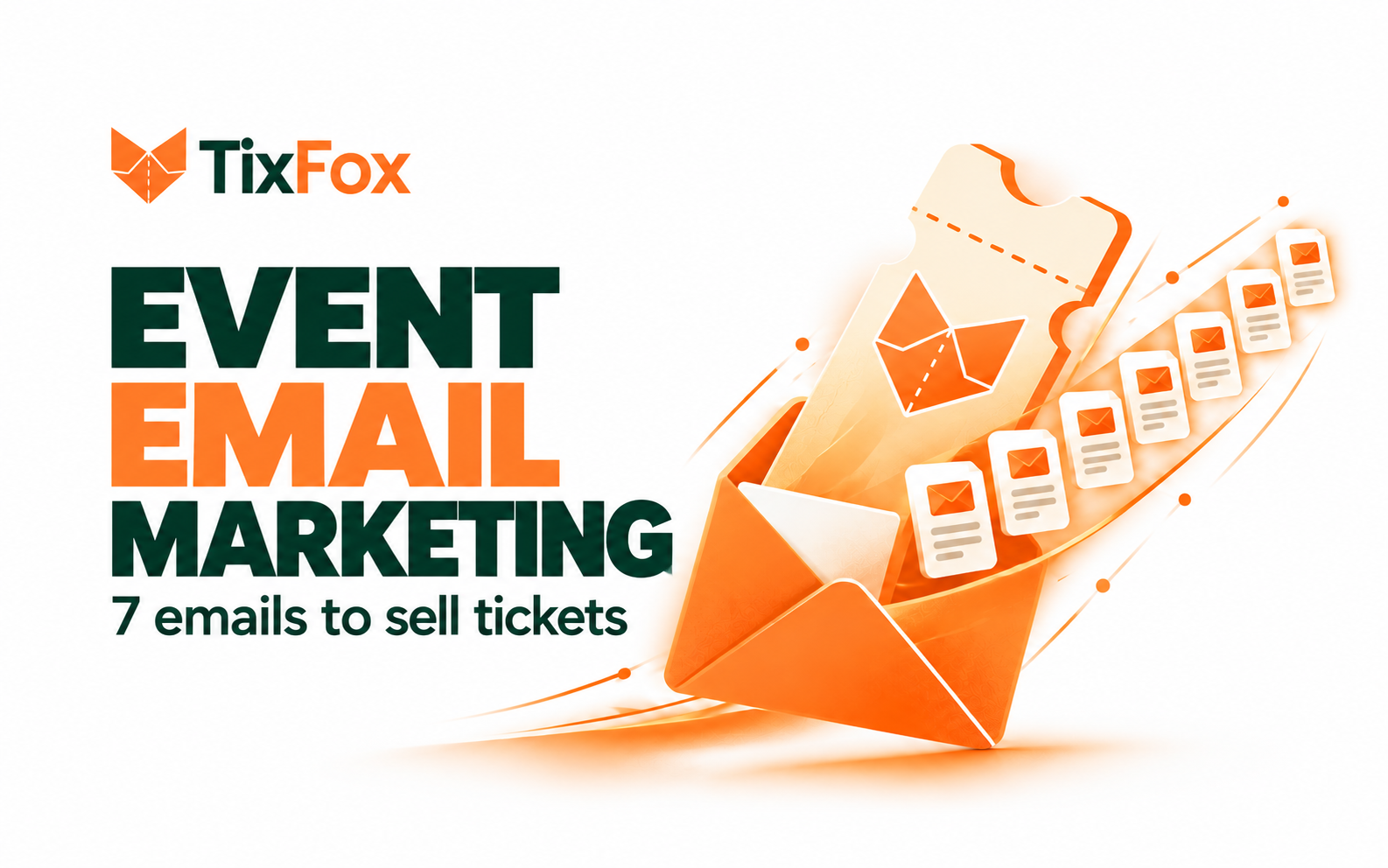
You announce an event, send the ticket link, and get a few early sales. Then what?
Sending “Tickets are still available” every week gets old quickly. People need different information as the event gets closer. Early on, they want to know whether it is for them. Later, they may need a reason to choose a date, bring a friend, or sort out how to get there.
This seven-email plan gives each message a job. It includes copy you can adapt, but you do not need to send all seven. If you have nothing new or useful to say, leave that email out.
The schedule below assumes tickets go on sale roughly six weeks before the event. Adjust it to your timeline. In every example, replace the details in brackets with confirmed information before sending.
A simple event email schedule
When to send it | Who should receive it | |
|---|---|---|
Announcement | When tickets go on sale | People who opted in to hear from you |
Early-bird reminder | Shortly before the price changes | People who have not bought |
Experience spotlight | About three weeks before the event | People who have not bought |
Questions answered | About two weeks before the event | People who have not bought |
Ticket deadline | When a real ticket option closes | People who have not bought |
Final availability | In the final days, if tickets remain | People who have not bought |
Attendee details | A few days before the event | Ticket buyers only |
Set up your buyer and non-buyer audiences before you schedule the campaign. Once someone purchases, stop sending them invitations to buy the same event. They need arrival details and updates instead.
Email 1: Announce the event
Subject: [Event name] is happening on [date]
Preview text: Tickets are open. Here is what we have planned.
Hi [first name],
Tickets are now on sale for [event name] at [venue] on [date].
We are putting together [one clear sentence describing the event]. You can expect [two specific highlights], with [another useful detail about the experience].
Doors open at [time], and tickets start at [price]. The event page has the full schedule, ticket options, and information about getting there.
[See the event and choose a ticket]
Hope you can join us,
[Name]
Before sending: Open the ticket link on your phone. Check the date, location, prices, and refund terms on the event page. An announcement creates interest; the page has to answer the questions that follow.
Email 2: Remind people before the early-bird price ends
Subject: Early-bird tickets end [day]
Preview text: [Ticket type] moves from [current price] to [new price] on [date].
Hi [first name],
A quick note if [event name] is on your calendar: early-bird tickets are [current price] until [time and date]. After that, the same ticket type will be [new price].
Your ticket includes [briefly state what is included]. The event is on [date] at [venue].
If you are ready to make plans, here is the link:
[Get an early-bird ticket]
[Name]
Use this email only if the price really will change. Check the deadline and time zone, especially if buyers may live outside your area. If the tier sells out first, cancel or update the scheduled message.
Email 3: Show people what they will experience
Subject: A closer look at [event highlight]
Preview text: Here is one part of [event name] we are looking forward to.
Hi [first name],
We have confirmed [performer, speaker, vendor, activity, or program detail] for [event name].
[Explain in two or three concrete sentences what attendees will see, do, learn, or taste. Include a detail they would not get from the event title alone.]
You can see the current lineup and ticket options here:
[Explore the event]
We will keep that page updated as the final details come together.
[Name]
A spotlight gives you a reason to email without repeating the launch announcement. Choose something confirmed. For a first-year event, a useful preview of the program is stronger than a vague claim that it will be “unforgettable.”
Email 4: Answer the questions holding people back
Subject: A few practical details about [event name]
Preview text: Timing, parking, and what your ticket covers.
Hi [first name],
We have heard a few questions about [event name], so here are the answers in one place.
What does a ticket include? [Answer, including anything that costs extra.]
When should I arrive? [Doors time and main start time.]
How do I get there? [Parking, transit, or entrance details.]
Can I bring [children/a friend/another relevant guest]? [Answer that fits your event.]
The event page has the full details and ticket options:
[View event details]
If something is still unclear, reply and ask us.
[Name]
Use questions from actual conversations, comments, and replies. If people keep asking about accessibility, seating, age limits, or weather, answer those instead. This email should remove uncertainty, not disguise another sales pitch as a FAQ.
Email 5: Explain a real ticket deadline
Subject: [Ticket option] closes [day]
Preview text: Here is what changes after [time and date].
Hi [first name],
[Ticket option] for [event name] closes at [time and time zone] on [date].
It includes [specific benefit]. After the deadline, [explain whether the price rises, the option disappears, or all online sales close].
If that is the ticket you want, you can book it here:
[Choose your ticket]
You can review the schedule and refund terms before checkout.
[Name]
Say exactly what ends. “Last chance” is confusing if general admission remains on sale. If there is no genuine deadline, skip this email and send a program update when you have one.
Email 6: Give a final availability update
Subject: [Event name] is this [day]
Preview text: Doors open at [time]. Here is the latest ticket information.
Hi [first name],
[Event name] is coming up on [day, date] at [venue]. Doors open at [time], and [first activity] starts at [time].
[State the verified ticket position: “Online sales close at 6 p.m. Friday,” “General admission tickets are still available,” or “A limited number of tickets remain.”]
If you are joining us, you can find tickets and arrival details here:
[See tickets and event details]
See you soon,
[Name]
Check inventory just before this goes out. Cancel it if the event sells out or plans change. Do not claim that tickets are scarce unless you have checked the number.
Email 7: Help buyers get through the door
Subject: Your [event name] arrival details
Preview text: Where to go, when to arrive, and what to bring.
Hi [first name],
We are looking forward to seeing you at [event name] on [day, date].
Where: [Full venue address and map link]
Doors: [Time]
Program begins: [Time]
Entry: [Which entrance to use and how check-in works]
Getting here: [Parking or transit information]
Bring: [Only items attendees actually need]
Accessibility: [Accessible entrance and a contact for questions]Your ticket was sent with your purchase confirmation. If you cannot find it, [provide the correct way to get help].
If anything changes, we will post an update at [reliable event page or communication channel].
See you there,
[Name]
This message goes to buyers, not your prospect list. It should help someone arrive comfortably and know what to expect.
TixFox sends a ticket confirmation after purchase and automatic reminders seven days and 24 hours before the event. Check what those messages already cover before you send a separate logistics email. Use yours for details such as the right entrance, parking changes, accessibility arrangements, or items to bring.
Measure which emails sell tickets
Give each email its own tracked ticket link. Keep the event campaign name consistent and change the label for the message. For example:
utm_source=email&utm_medium=organizer_email&utm_campaign=fall_market_2026&utm_content=spotlight
For the announcement, change utm_content to announcement. Do the same for early_bird, questions, and final_update. TixFox’s UTM tracking can show which campaign links bring traffic and ticket sales.
Look at purchases alongside clicks, replies, and unsubscribes. If an email earns clicks but few purchases, read the destination page on a phone. Is the offer clear? Are fees and ticket options easy to understand? Can buyers find the venue, schedule, and refund policy? Another reminder will not fix a confusing event page.
Keep the campaign useful
Before each send, ask why this email matters today. A newly confirmed speaker matters. A real price change matters. Directions matter to someone who has already bought a ticket. A fourth version of “Don’t miss out” does not add much.
For the rest of the event timeline, use the 90 day event planning checklist. If the ticket offer still needs work, start with the event budget template and ticket pricing guide.
When the details and ticket page are ready, create your event on TixFox and send the first email. Let each message answer the next question an attendee is likely to have.